











G2 Pro “Reverse Upgrade”: Tuning Your Commuter for Maximum Comfort

In the tech world, a “reverse upgrade” means modifying older hardware to outperform its original specs. In the world of electric scooters, it means taking a solid, reliable commuter like the KuKirin G2 Pro and tuning it to feel like a premium machine—without buying a new scooter.
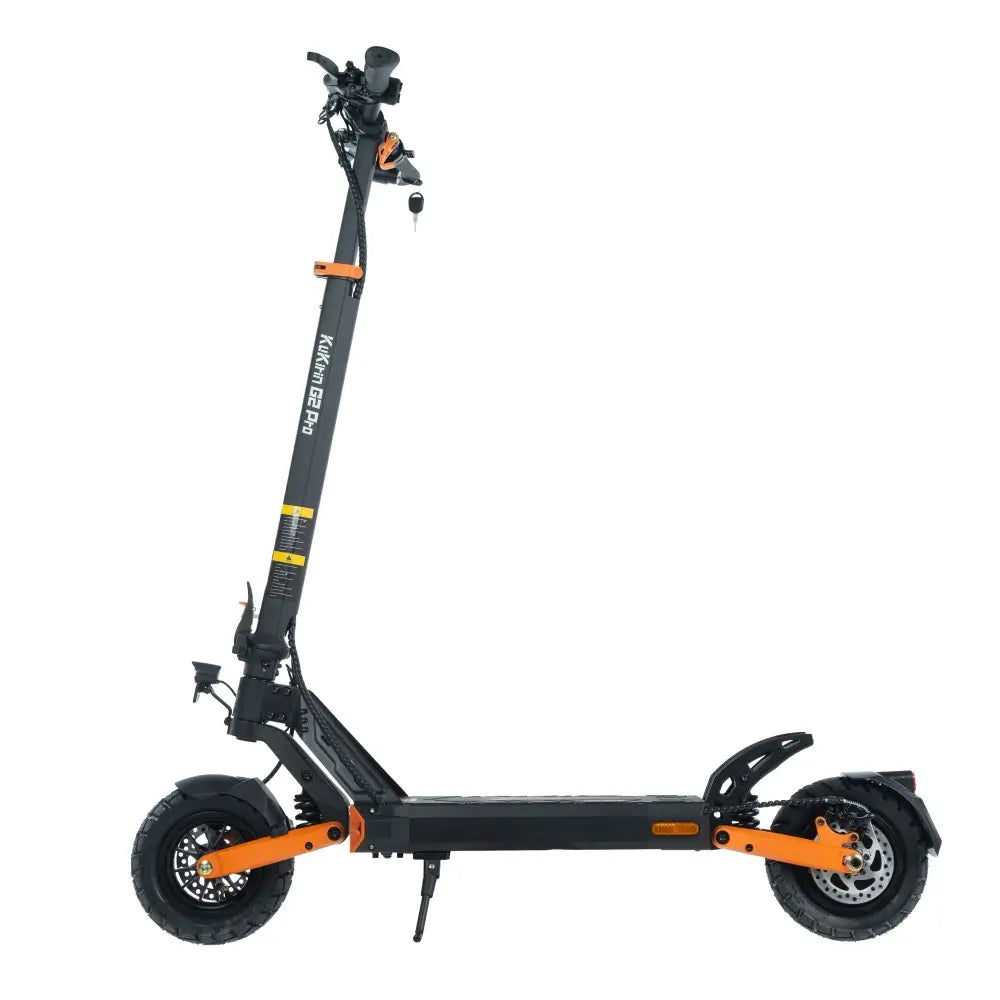
The G2 Pro is already a fantastic daily rider. It has a 48V 15.6Ah battery, front and rear spring suspension, and a top speed of 45km/h. But out of the box, it’s set up for the “average” rider.
If you weigh less than average, ride on specific road surfaces, or just want a plusher ride, the factory settings might not be optimal. With a few zero-cost adjustments and a couple of smart accessory choices, you can transform the comfort level of your G2 Pro.
Here is your guide to the ultimate G2 Pro comfort tuning.

Tuning 1: Tire Pressure Micro-Adjustment
The tires are your first line of defense against road vibration. The factory recommendation for the G2 Pro’s 9-inch vacuum tires is 340 kPa (50 psi). This pressure maximizes range and prevents pinch flats, but it can feel stiff on rough city streets.
The Tuning Trick: If you are a lighter rider (under 70kg), try dropping the pressure slightly to 320-330 kPa (46-48 psi).
Why it works: Lowering the pressure increases the tire’s contact patch and allows the rubber to flex more, absorbing small bumps before they reach the suspension. You sacrifice a tiny bit of range (less than 5%) but gain a noticeably smoother ride.
Warning: Do not go below 300 kPa. Under-inflated tires are prone to pinch flats and can damage the rim when hitting curbs.
Tuning 2: Brake Lever Reach and Tension
Comfort isn’t just about a soft ride; it’s about control. The G2 Pro features mechanical disc brakes. How the lever feels in your hand dictates your confidence in traffic.
Lever Reach: If you have smaller hands, the brake lever might feel like a stretch. Some levers have a small reach adjustment screw. If yours doesn’t, you can adjust the cable tension at the caliper to bring the engagement point closer to the grip.
The Tuning Trick: The brake should engage when you pull the lever about one-third of the way. If it hits the grip before braking, it’s too loose. If it grabs instantly, it’s too tight. Learn how to adjust this in our full brake guide.
Tuning 3: The Seated Alternative
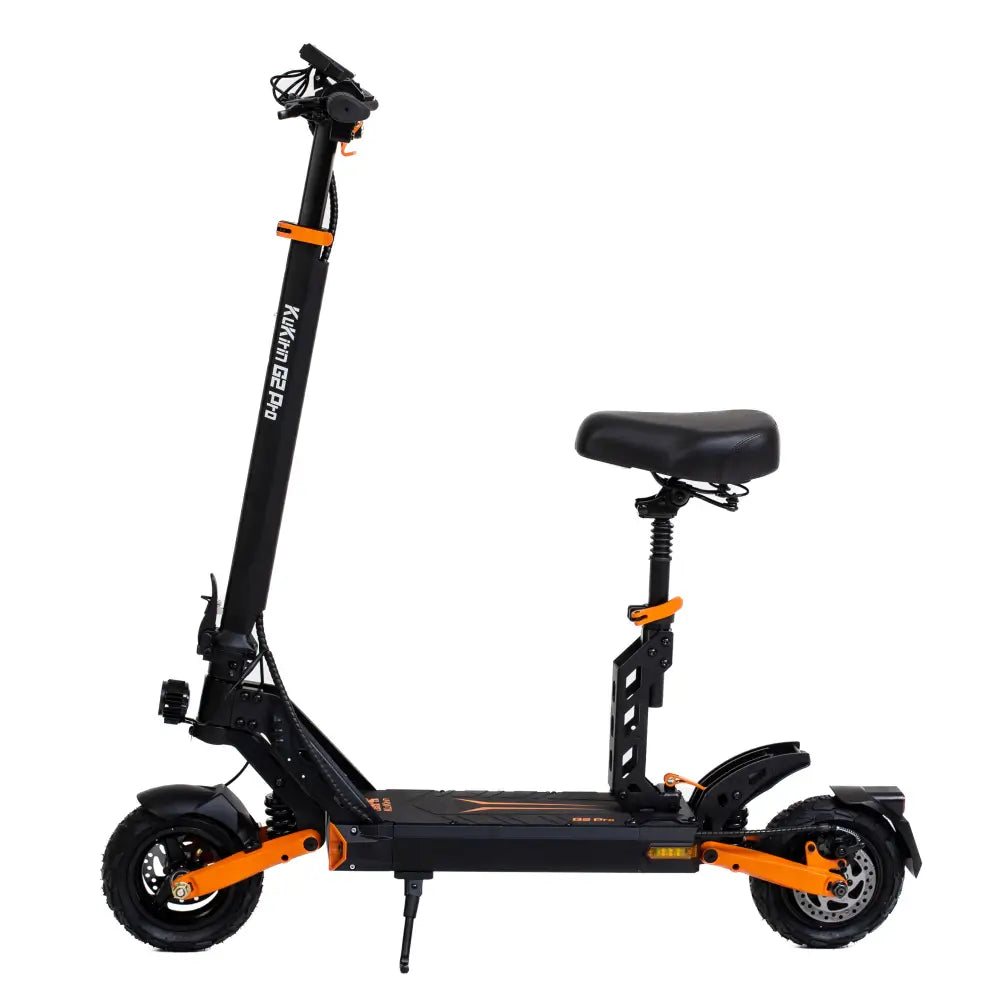
Standing for 30 minutes on a scooter can fatigue your calves and lower back. The G2 Pro is one of the few models that supports an official seat kit.
The Tuning Trick: If you commute more than 10km, install the seat. It completely changes the physics of the ride. You sit lower, reducing wind resistance, and your weight is supported by your glutes rather than your feet.
The Best Part: You don’t have to use it all the time. You can stand when riding through crowded parks and sit when cruising down long, empty boulevards. This alternating posture prevents muscle fatigue.

Tuning 4: Upgrade the Handlebar Grips
The stock rubber grips on the G2 Pro are durable, but in the summer heat, they can become slippery and transfer road vibration directly to your palms.
The Tuning Trick: Swap them for silicone grips.
Silicone is slightly softer than rubber, absorbing high-frequency vibrations. More importantly, it maintains grip when wet with sweat. A pair of quality silicone grips costs less than €20 and takes 10 minutes to install.
For a full guide on replacing grips for sweaty hands, check out our handlebar grip upgrade guide.
Tuning 5: Unlock the Hidden P-Settings
This is where the “reverse upgrade” really happens. The G2 Pro’s controller has hidden menu settings that allow you to adjust how the scooter behaves.
How to access: Press the power button three times rapidly to enter the P-menu.
Here are the two settings that change the comfort and safety of the ride:
-
PA (Start Force): This dictates how aggressively the motor engages from a standstill. If the default setting feels too jerky in stop-and-go traffic, lower the PA setting. A smoother start makes the ride feel less twitchy.
-
PB (Brake Force): This adjusts the electronic braking strength. If the e-brake feels too aggressive (making the scooter nose-dive), dial it back. If you want stronger stopping power, increase it.
The Tuning Trick: Spend five minutes in an empty parking lot testing different PA and PB levels. Find the setting that matches your riding style.
Knowing the Limits: The Suspension Ceiling
You can tune the tires, the brakes, and the grips, but you cannot change the hardware. The G2 Pro uses spring suspension, not hydraulic.
What this means: The G2 Pro is brilliant on paved roads, cobblestones, and light gravel. However, it is not an off-road scooter. If you take it on aggressive mountain bike trails or heavily rutted dirt paths, the spring suspension will bottom out, and the vibration will overwhelm the frame.
The Rule: Tune the G2 Pro for city comfort. If you need to conquer severe terrain, you need a scooter with hydraulic suspension like the G4 series.
For riders who want to upgrade to a platform with hydraulic shocks and more power, the KuKirin G4 electric scooter offers a significant step up in suspension technology.
Frequently Asked Questions
Can I lower the tire pressure on my G2 Pro for a softer ride?
Yes. Dropping from 340 kPa to 320-330 kPa can soften the ride for lighter riders. However, never go below 300 kPa, as it increases the risk of pinch flats.
How do I adjust the top speed or acceleration on a G2 Pro?
You can access the hidden P-menu by pressing the power button three times. Settings like PA (Start Force) control acceleration smoothness.
Does the G2 Pro come with a seat?
The G2 Pro supports a removable seat kit, which is often included in the box or available as an accessory. It’s highly recommended for long commutes.
Are silicone grips better than rubber grips?
For summer riding, yes. Silicone grips handle sweat better and absorb more vibration than standard rubber grips.
Can I take the G2 Pro off-road?
The G2 Pro is designed for paved roads and light paths. Its spring suspension is not built for aggressive off-roading. For rough terrain, look at models with hydraulic suspension.
What is the best P-setting for smoother acceleration?
The ideal PA (Start Force) setting depends on your weight and preference. Lower settings provide a gentler start, which is better for crowded areas or new riders.
Tune It, Don’t Trade It
You don’t need to spend thousands on a new scooter to get a premium ride. By adjusting the tire pressure, tuning the P-settings, and adding a few smart accessories, your G2 Pro can feel like a completely different machine.
Tune it to fit your body, your route, and your riding style. That’s the true reverse upgrade.
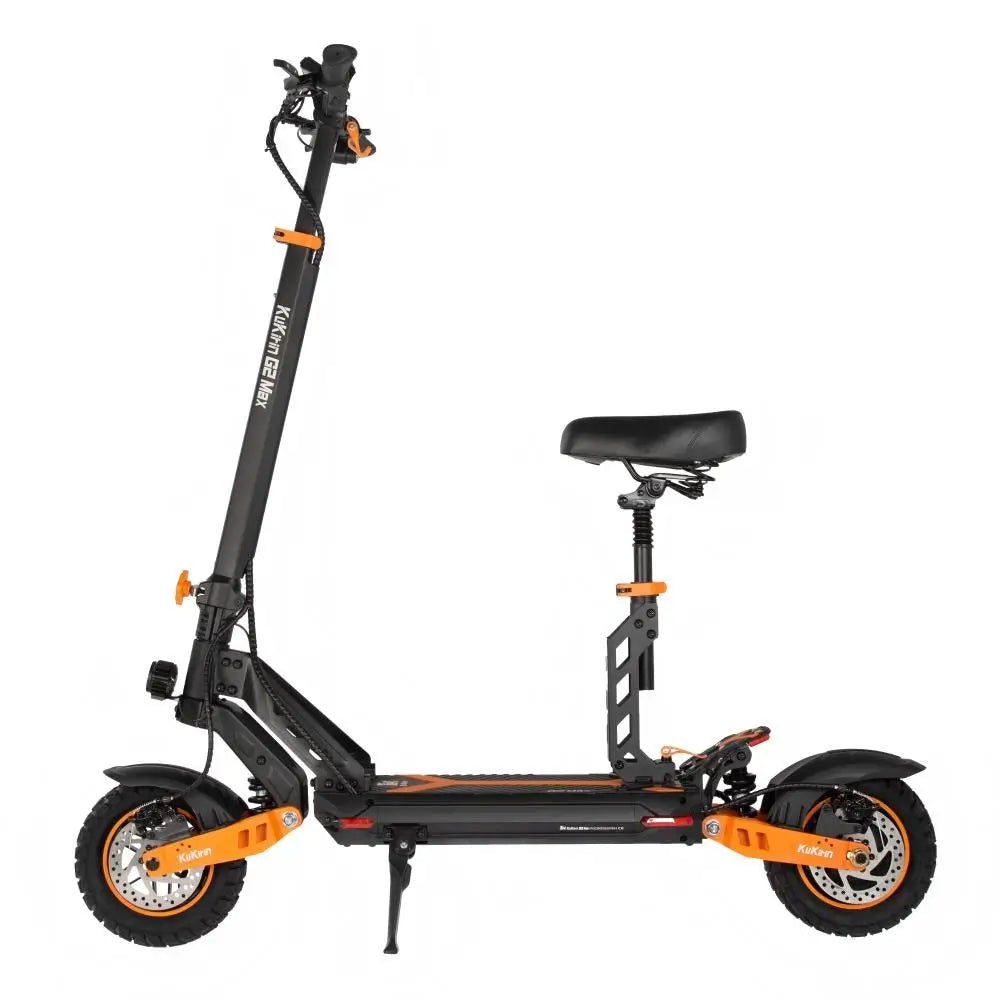
For riders ready to move up to a scooter with more power and hydraulic suspension, the KuKirin G2 Max electric scooter offers a comfortable seated option and upgraded components.
Apply discount code NEW200 at checkout to save on your next KuKirin:
-
KuKirin G2 — 5759 kr
-
KuKirin G2 (VMP) — 5759 kr
-
KuKirin G2 Pro — 5649 kr
-
KuKirin G2 Pro (VMP) — 5759 kr
-
KuKirin G2 Pro (ABE) — 5759 kr
-
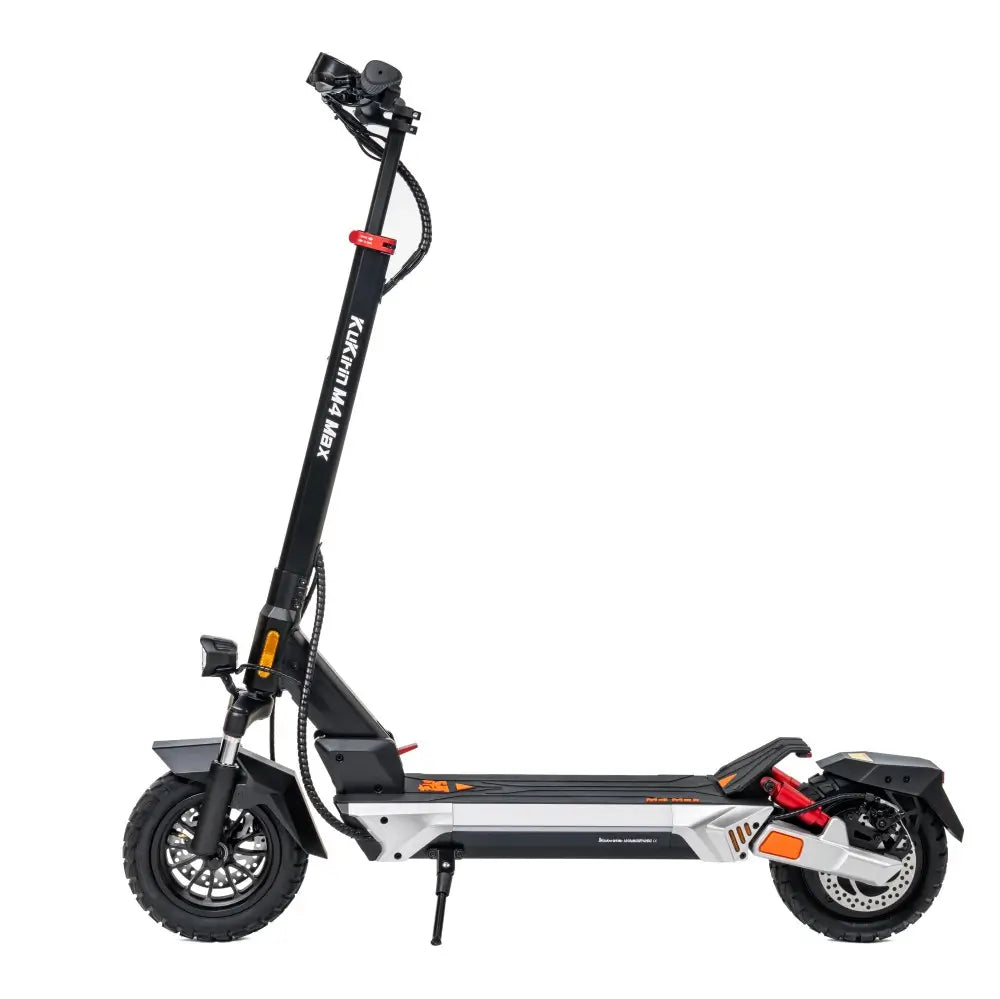
KuKirin M4 Max — 5199 kr
-
KuKirin G2 Max — 7749 kr
-
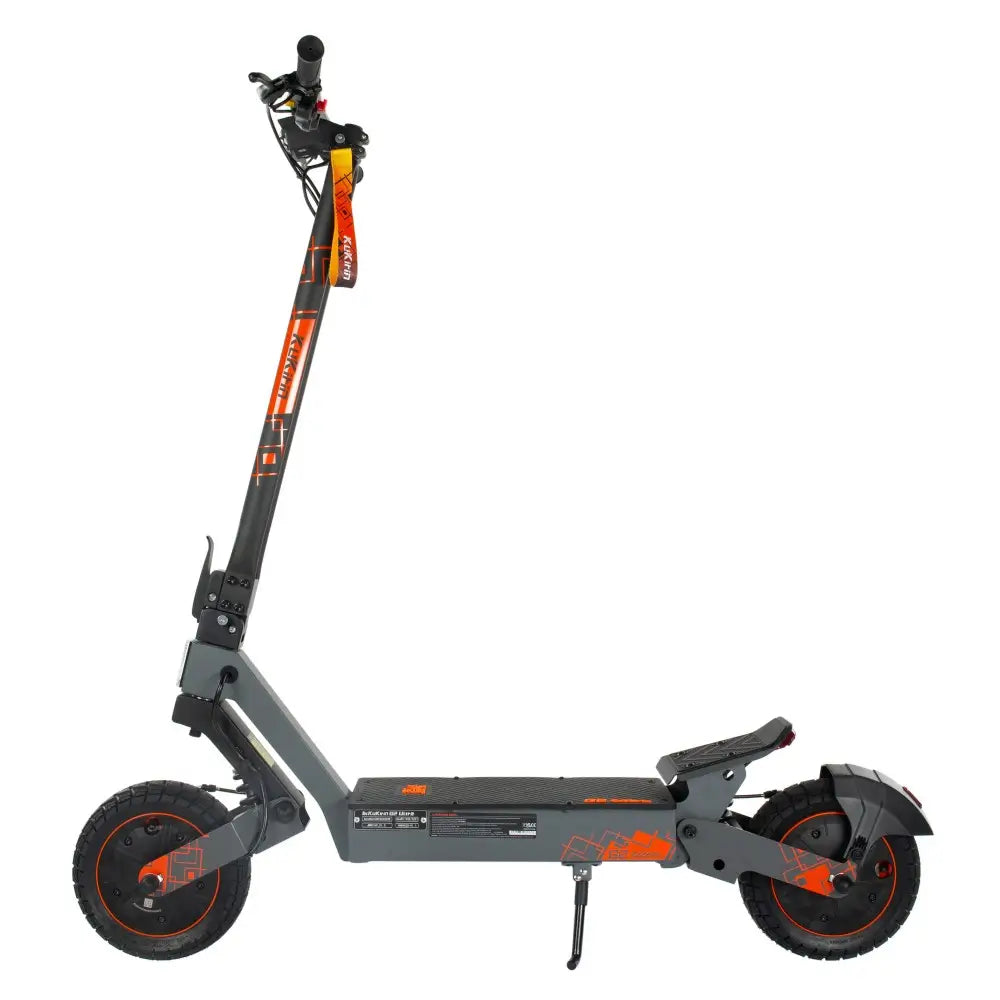
KuKirin G2 Ultra — 8189 kr
-
KuKirin G2 Master — 10739 kr
-
KuKirin G4 — 10739 kr
-
KuKirin G4 Ultra — 10959 kr
-
KuKirin T4 — 10959 kr
-
KuKirin G3 Pro — 14399 kr
-
KuKirin X1 — 14069 kr
Prices reflect discount code NEW200 applied.