



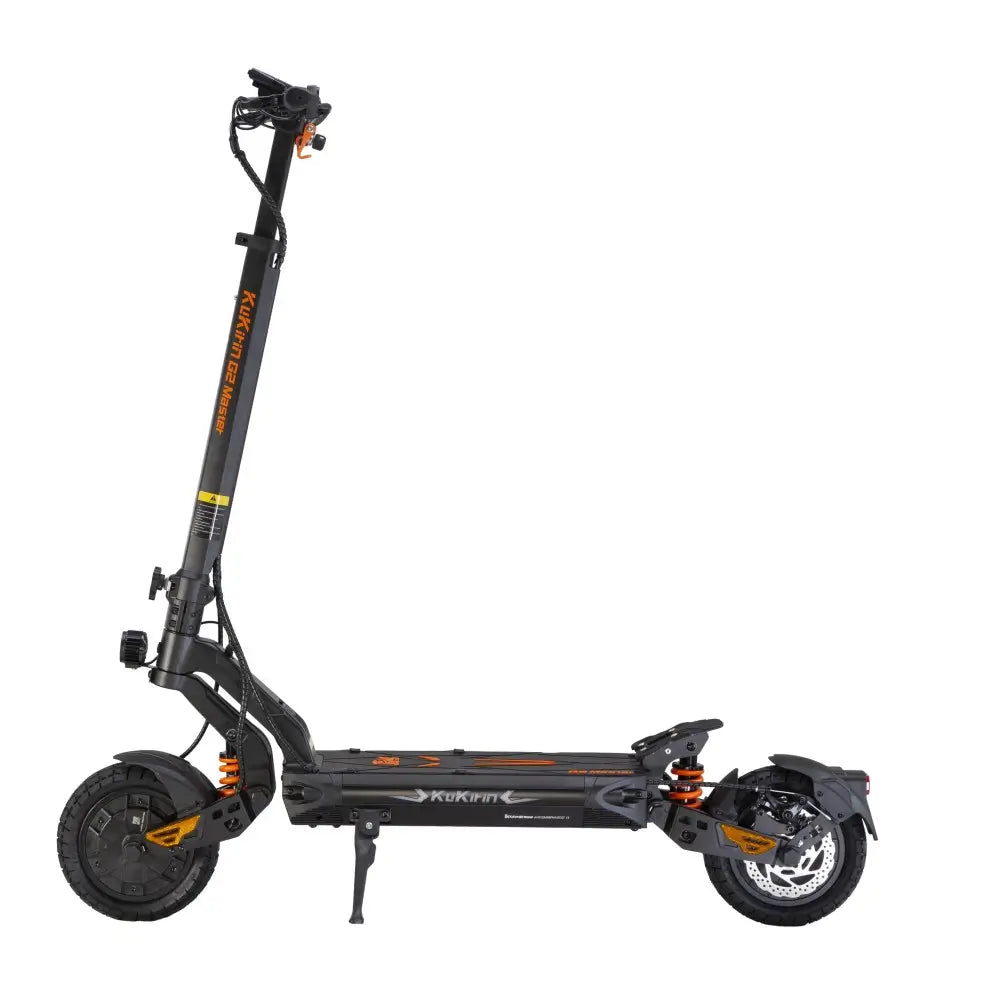








Charging Port Care: Early Signs of Poor Contact & How to Fix It

The charging port is the smallest, most overlooked component on your KuKirin. It sits behind a rubber flap, gets plugged in every few days, and receives almost no attention—until the charger stops working.
Then it becomes the only thing you think about.
Poor contact at the charging port is one of the most common electrical issues on electric scooters. It starts subtly: the charger needs a wiggle to connect. Then it needs to be reinserted. Then charging cuts in and out. Left unaddressed, a degraded port can prevent charging entirely—or worse, create a short circuit that damages the battery management system.
This guide covers how to recognize early warning signs, clean the port safely, and know when replacement is the only option.

Early Warning Signs of Poor Contact
Charging port problems develop gradually. These are the signals to watch for.
Signal 1: The Charger Needs Repeated Insertion
A healthy charging port accepts the plug with a firm, immediate connection. If you find yourself inserting, wiggling, and reinserting the plug before the charger light turns on, contact is degrading.
Signal 2: Charging Cuts In and Out
If the charger indicator flickers between red and green, or the scooter charges intermittently, the connection is unstable. This can also indicate a loose internal solder joint.
Signal 3: The Port Feels Hot During Charging
Some warmth is normal during charging. But if the charging port area becomes noticeably hot to the touch, resistance is building up. Heat at the port means energy is being wasted as resistance—a sign of oxidation or a loose connection.
Signal 4: Visible Discoloration or Debris
Look inside the port with a flashlight. Brown or black discoloration on the metal pins indicates oxidation or heat damage. Dust, lint, or debris blocking the pins prevents proper contact.
Signal 5: The Plug Fits Loosely
A charging plug should seat firmly with a slight friction. If it slides in with no resistance or wobbles when inserted, the port’s internal contacts have worn down.

What Causes Charging Port Problems
Understanding the cause helps you prevent recurrence.
Dust and Debris Accumulation
The charging port is open to the environment whenever the rubber cover is removed. Dust, lint, and fine road grit accumulate on the pins. Over time, this layer insulates the contacts and prevents reliable connection.
Metal Pin Oxidation
The metal pins inside the port are typically brass or copper alloy, plated with nickel or gold. Moisture in the air causes oxidation—a thin layer of corrosion that increases electrical resistance. Oxidized pins look dull, brown, or green instead of bright metallic.
Mechanical Wear From Insertion Cycles
Every charging cycle involves inserting and removing the plug. The internal contacts are spring-loaded and wear down over hundreds of cycles. A port rated for 5,000 insertions may become loose after 1,000 if the plug is inserted at an angle or forced.
Water Ingress and Corrosion
If the rubber cover isn‘t sealed properly, or if the scooter is charged in rain, moisture enters the port. Water plus electricity equals corrosion. Even a small amount of moisture accelerates oxidation dramatically.
Loose Internal Connections
Sometimes the problem isn’t at the port itself but at the solder joints connecting the port to the internal wiring. Vibration and thermal cycling can crack solder joints, causing intermittent contact.
How to Inspect Your Charging Port Safely
Step 1: Power Down Completely
Turn off the scooter. If your model has a removable battery, disconnect it. This eliminates any electrical risk during inspection.
Step 2: Use a Flashlight to Look Inside
Shine a light directly into the port. You should see clean, bright metal pins arranged in the connector pattern. Look for:
-
Dust or debris
-
Brown, green, or black discoloration
-
Bent or misaligned pins
-
Moisture or residue
Step 3: Check the Rubber Cover
The rubber cover that protects the port should seal firmly when closed. Check for:
-
Cracks or tears
-
Loss of elasticity
-
Missing cover entirely
A degraded cover lets moisture and dust in—the root cause of most port problems.
Step 4: Inspect the Charger Plug
The problem may be with the plug rather than the port. Check the charger‘s connector for:
-
Bent or dirty pins
-
Corrosion
-
Physical damage
A damaged charger plug should be replaced before it damages the port.

How to Clean the Charging Port Correctly
Cleaning is safe if you follow the right procedure. It‘s dangerous if you improvise.
Tools You Need
-
Dry soft-bristle brush — an old toothbrush works well
-
Isopropyl alcohol (90%+) — for cleaning metal contacts
-
Cotton swabs — for applying alcohol precisely
-
Compressed air (optional, low pressure)
Step-by-Step Cleaning
1. Power down and disconnect the battery.
Never clean a live charging port.
2. Brush out loose debris.
Use the dry brush to gently sweep dust and debris out of the port. Brush away from the scooter, not into it.
3. Apply isopropyl alcohol to a cotton swab.
Dampen—don’t soak—the swab. Excess alcohol can drip into the port.
4. Gently wipe the metal pins.
Use the damp swab to wipe each pin. The alcohol dissolves oxidation and residue. Don‘t scrub aggressively—gentle wiping is enough.
5. Allow to dry completely.
Wait at least 10-15 minutes before closing the cover or attempting to charge. Isopropyl alcohol evaporates quickly, but trapped moisture is the enemy.
6. Test the connection.
Insert the charger and check that it connects firmly. The charger light should illuminate immediately.
What You Must Never Do
❌ Never Use Metal Tools to Scrape the Pins
A screwdriver, knife, or metal pick will scratch the plating off the pins, exposing the base metal to faster oxidation. It can also bend or break the pins entirely.
❌ Never Use Water or a Wet Cloth
Water in a charging port causes corrosion and creates a short-circuit risk. Only use isopropyl alcohol, and only on a cotton swab—never poured or sprayed directly.
❌ Never Force the Charger Plug
If the plug doesn‘t insert smoothly, something is misaligned. Forcing it bends pins and cracks the port housing.
❌ Never Charge With a Damaged Cover
If the rubber cover is torn or missing, replace it before charging. An exposed port invites moisture and debris.
❌ Never Ignore Repeated Connection Issues
A port that needs wiggling today will fail completely in a few weeks. Address the problem early.

Protecting the Charging Port Long-Term
Prevention is simpler than repair.
Keep the Rubber Cover Closed
When not charging, the cover should be closed and sealed. Make this a habit—it takes one second and prevents most port problems.
Avoid Charging in Rain or Wet Conditions
If you must charge outdoors, use a covered area. Moisture plus electrical connections is a bad combination regardless of IP rating.
Check the Seal Periodically
The rubber seal degrades over time. Inspect it monthly. If it’s cracked, stiff, or no longer seals, replace it.
Insert the Charger Straight
Angle the plug directly into the port. Forcing it at an angle wears the internal contacts unevenly.
Don‘t Leave the Charger Plugged In
Once charging completes, disconnect the charger. Leaving it plugged in maintains a small current and keeps the port under thermal stress.
Use the Original Charger
Third-party chargers may have plugs that don’t fit precisely. A loose-fitting plug accelerates port wear. KuKirin original chargers are designed for the specific port dimensions.
For riders who frequently charge outdoors or in humid conditions, a scooter with higher water resistance like the KuKirin G4 Ultra electric scooter (IPX6 motor protection) reduces overall moisture risk.
When the Port Needs Replacement
Some problems can‘t be fixed with cleaning.
Replace the charging port if:
-
The port is physically loose in its housing
-
Metal pins are bent, broken, or severely corroded
-
Cleaning doesn’t restore reliable contact
-
The port housing is cracked or melted
-
Charging produces a burning smell
Charging port replacement is a soldering job. It requires opening the deck, desoldering the old port, and soldering a new one. This is not a beginner repair.
What to do: Contact KuKirin after-sales support or a qualified repair shop. Attempting to replace the port yourself without soldering experience risks damaging the battery management system or creating a fire hazard.
If your scooter is older and the repair cost approaches the value of the scooter, upgrading may be more economical. New models come with fresh components and warranty coverage.
Frequently Asked Questions
Why does my KuKirin charger need to be wiggled to work?
This indicates poor contact at the charging port, usually caused by dust accumulation, pin oxidation, or worn internal contacts. Clean the port with isopropyl alcohol first. If the problem persists, the port may need replacement.
Can I clean my charging port with water?
No. Water causes corrosion and creates a short-circuit risk. Use only isopropyl alcohol (90%+) on a cotton swab, and allow the port to dry completely before charging.
How do I know if my charging port is damaged?
Signs include: the charger needs repeated insertion, charging cuts in and out, the port feels hot during charging, visible discoloration on the pins, or the plug fits loosely.
Is it safe to charge my scooter in the rain?
Avoid it. Even with IP-rated components, charging in rain exposes the port to moisture. Use a covered area whenever possible.
How often should I clean my charging port?
Inspect it monthly. Clean it when you see dust accumulation or notice connection issues. If you ride in dusty or wet conditions frequently, check more often.
Can I replace the charging port myself?
Only if you have soldering experience and the correct replacement part. Charging port replacement involves opening the deck and desoldering the old component. Most riders should contact after-sales support instead.
Care for the Small Part, Avoid the Big Problem
The charging port is a €2 component that can disable a €1,000 scooter. It receives almost no attention until it fails—and by then, the damage may extend beyond the port itself.
The fix is simple: keep the cover closed, inspect monthly, clean with isopropyl alcohol when needed, and address connection issues immediately. Five minutes of care prevents a repair bill that costs fifty times more.
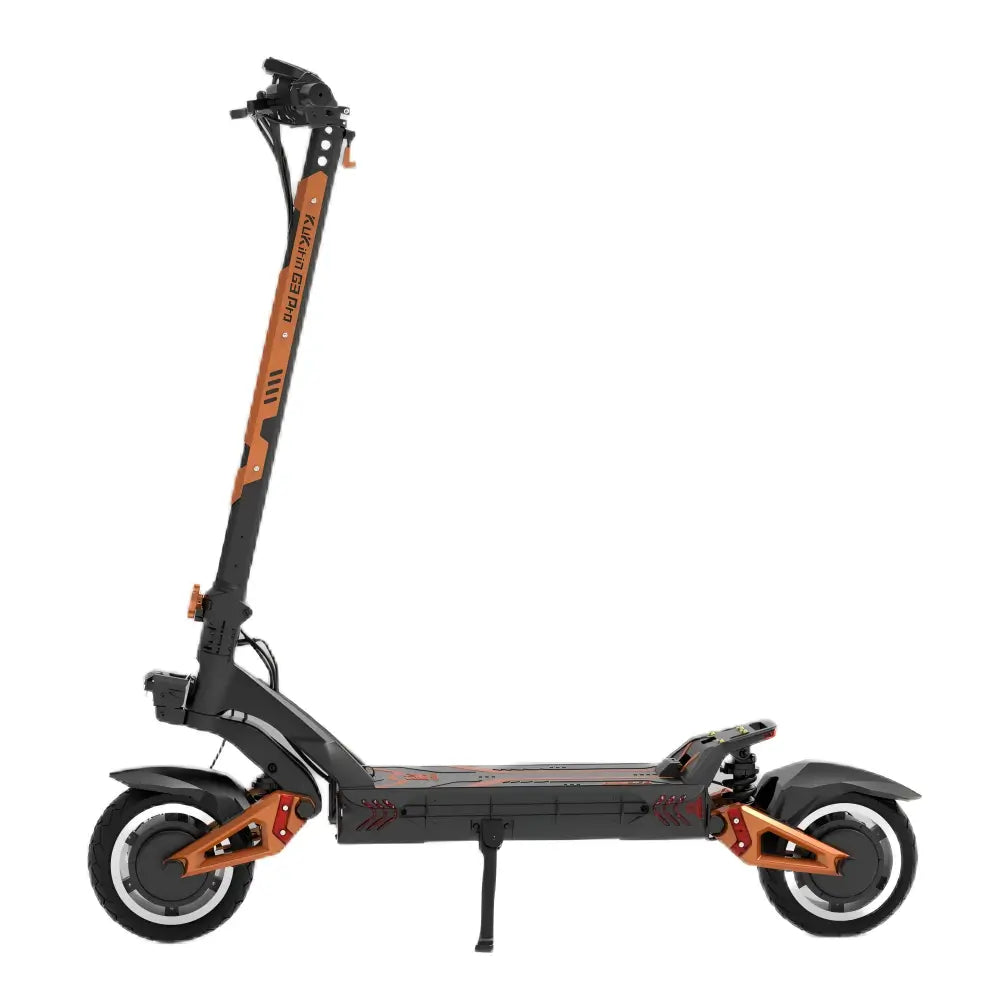
For riders who want a scooter with robust electrical architecture and reliable charging systems, the KuKirin G3 Pro electric scooter offers a 23.4Ah battery and 2A×2 charging for efficient, dependable power management.